Pattaizer - A different approach to patterns
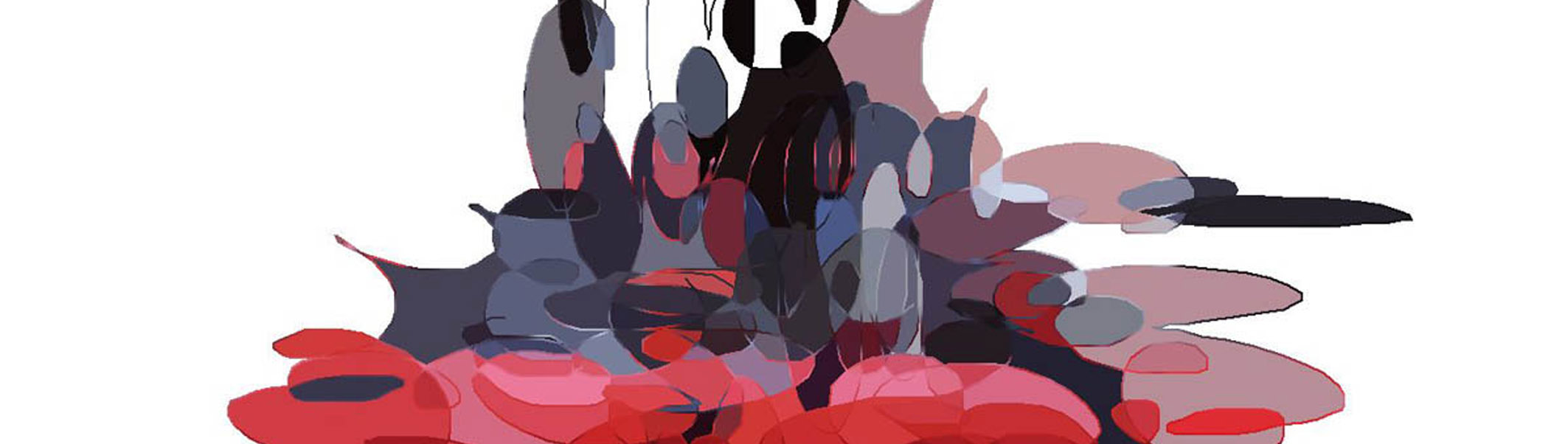
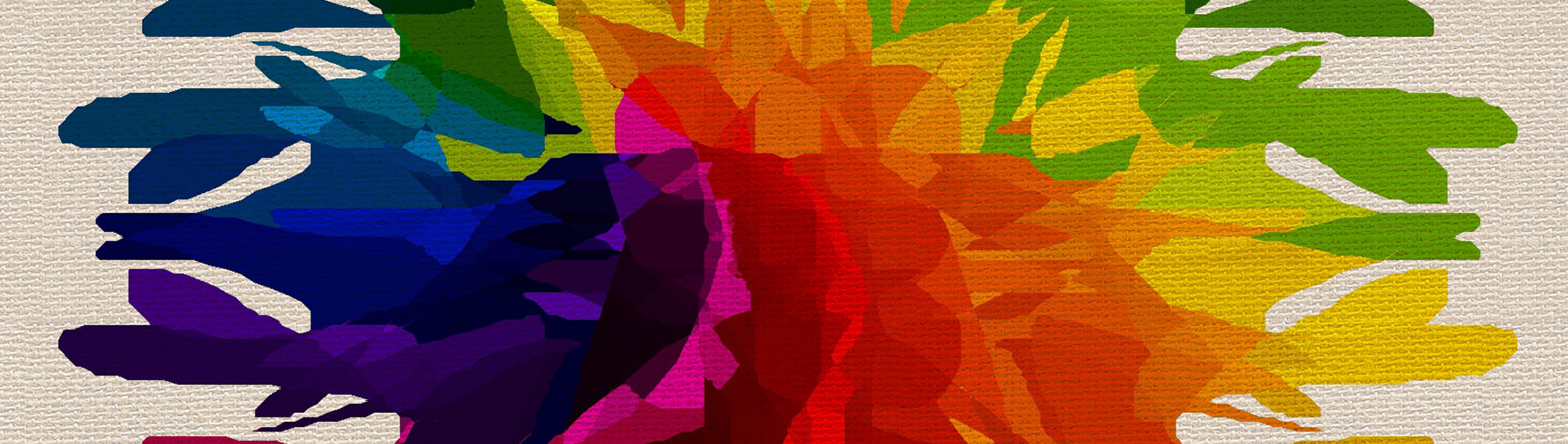
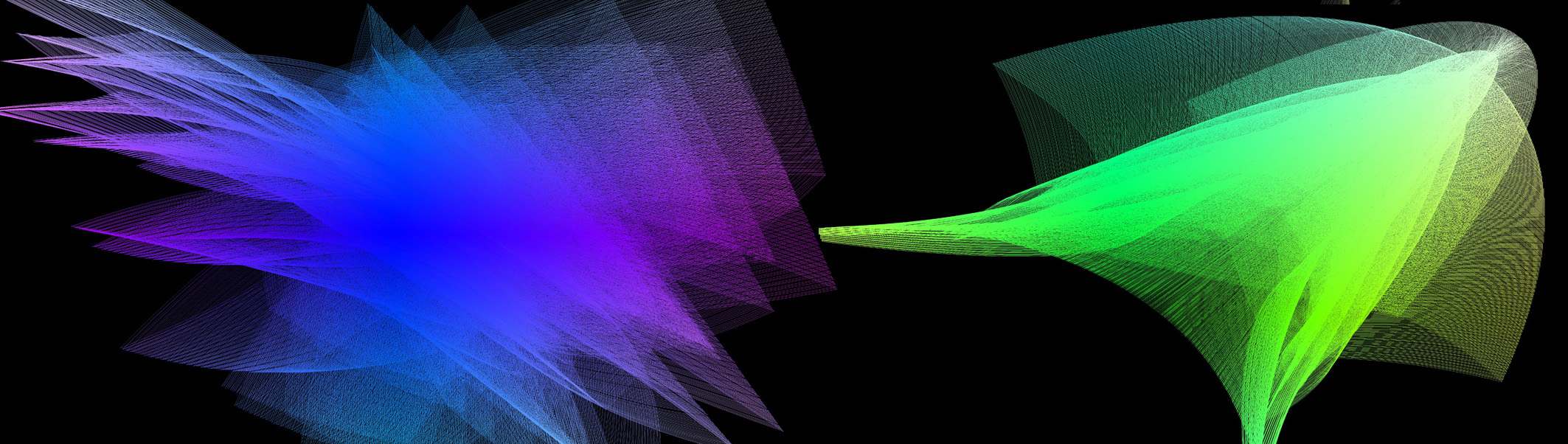
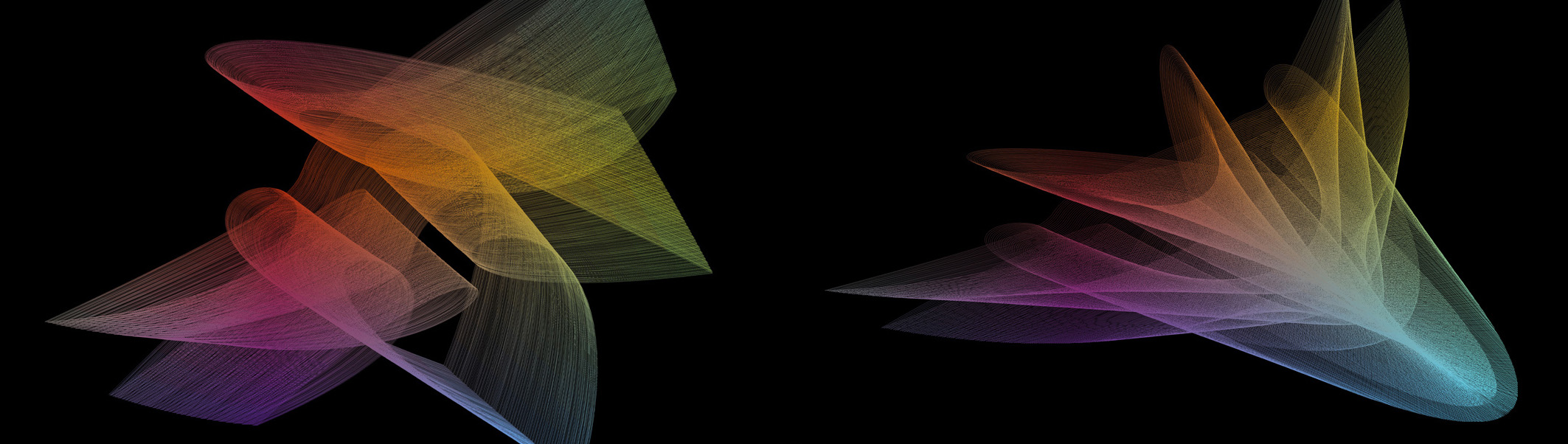
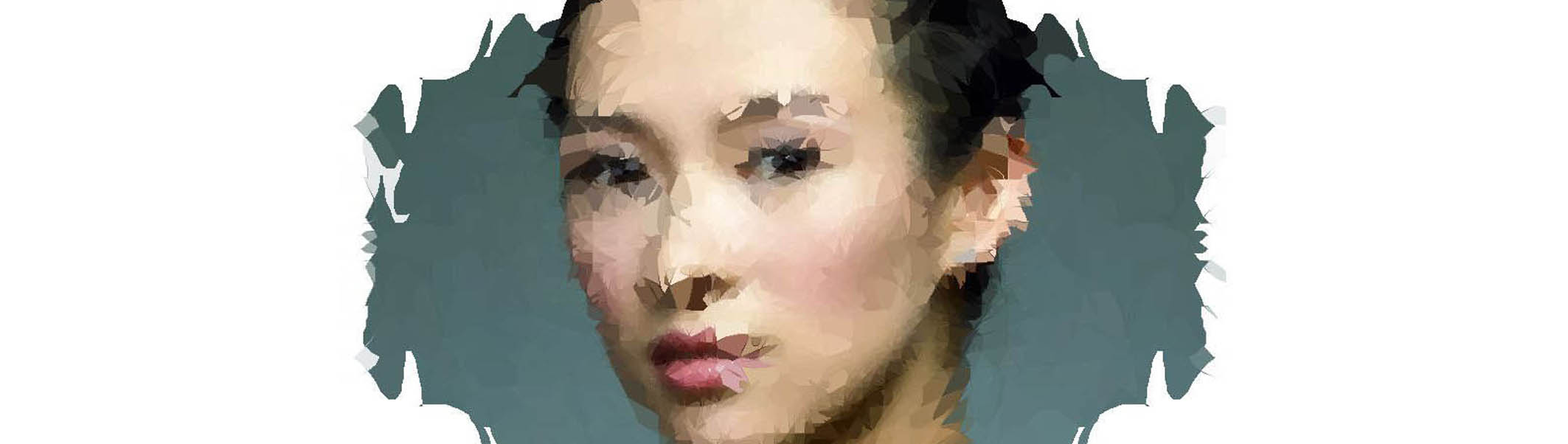
Pattaizer is a "pattern generator with a twist". It generates several types of patterns, which can be tuned and varied by the user.
Each pattern has several control parameters to create that unique effect that the user is looking for.
Although many bitmap editors offer similar functionality, we believe that Pattaizer   Pattaizer interface
can generate great effects that is not easy to make with e.g. Photoshop plug-ins.
Some of Pattaizer features have also been made applicable in Mosaizer Pro.
Features of Pattaizer
- 9 Different basic patterns (e.g. spiral, spheres, spirograph, kaleidoscope, tube, pinch)
- Many types of bitmaps can be used (e.g. bmp, jpg, png, wmf, gif)
- Quick response to pattern tuning via grid preview
- Use of scripts: create video footage from dynamically changing patterns
- User-friendly interface: results in just a few clicks
- Multi-language support (we would like to offer more languages - can anyone help us to translate?)
|

Pattaizer download
Current version 1.5 build 29, 11 December 2011.
|
Both predefined and user-painted patterns can be used.
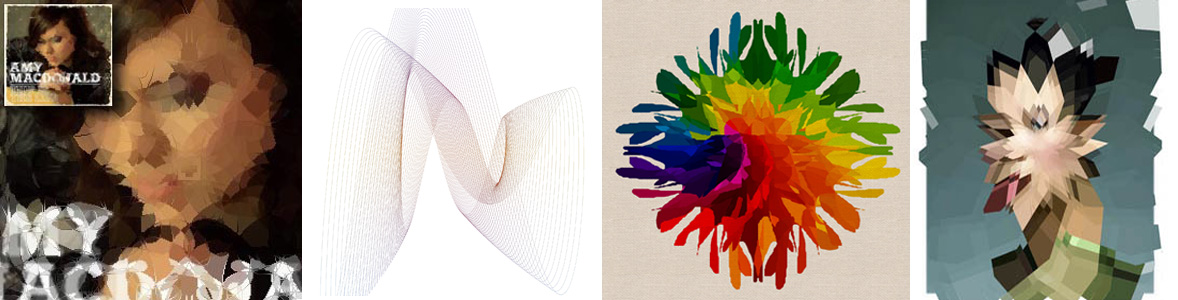
Where Mosaizer Pro mainly works with predefined patterns, Pattaizer can create fully user drawn patterns. This example of Amy McDonald was made with the Kaleidoscope pattern.
The result was blended with the orginal in Photoshop, to smoothen the egdes and create an effect of a wrinkled CD cover.
The picture above on the left is a 'remake' of the cover of the CD 'Spissrotgang' of the Norwegian Hellbillies. It's the best country rock band in Norway, especially when performing live !.
We used a similar approach as with Amy: just freely drawing, and carefully create a pattern that seems to tilt the cover 45 degrees. |
A new and interesting feature is the creation of video footage.
Pattaizer is a pattern generator that can handle user-input, called scripts. A script is a special text file that containts the key point settings of the pattern.
When the video generator is started, Pattaizer will run this script, generating interpolated values for each parameter, and saving each indivdual bitmap.
At the end a video file is created.
|
 |
When looking close the details of the patterns can be seen
The details of the picture above. From left to right: a circular pattern, centered at the forehead to create weird 'radiating' effect; a spiralled pattern;
the 'spheres' pattern which consists of several hundreds of small circles, taking the color of the underlying picture when generated;
the last picture is perhaps the most easy to make with a standard plug-in of Photoshop (pinch filter). We believe this pattern has some nice features over the Photoshop filter.
|
 |
Simple pictures can become special using the filters of Pattaizer
This is the football of the Europe 2008 championship. By applying the circular pattern, and then shifting   "Offset" moves the pattern horizontally or vertically the centre to the right upper corner,
this football becomes almost unrecognisable.
The size of the picture is not so relevant. A thumbnail picture would suffice to create nice effects. The picture below is made from a 48x48 pixel icon.
The red pictures are made by using the same settings as used with the football. Simply replace the source picture (left picture).
The red picture on the right was created by selecting the horizontal tube pattern   6 Different patterns can be selected, slightly 'tubed'.
By the way, it's a picture of a devil bath toy. |
Text can be made different with Pattaizer
The text below was made with the spheres pattern. The Deform Control   Deformation is controlled by a few settings has several buttons and sliders to create a unique and personal pattern.
With the Patterns Options   Deformation can be tuned with several options specific additional possibilities are provided to further refine the pattern to your needs.
Although not very well readable from the screen, take look at the text below from a distance of 4 meter. You'll be surprised
|
 |
Just a few other examples
The 4 examples were made by using different 'Glass effect' masks. The default mask is a shiny glass shpere, but any source bitmap can be taken instead.
So: take the devil himself (plastic, not the real one), a mask of the famous Doom9 hamster or simply that soccerball again. With Pattaizer you can made ordinary thingies make different.
|
 |
More examples will be posted on this website.
At the moment Pattaizer is fully released. This means that all features are thoroughly tested by APP Helmond. We are looking for translators (currently only English, Dutch, French and German are available)
You can also help us to improve this software by providing feedback. Much appreciated !
|
... and some more examples.
 Example 1
 Example 2
 Example 3
 Example 4
 Example 5
 Example 6
 Example 7
 Example 8
 Example 9
 Example 10
 Example 11
 Example 12
 Example 13
 Example 14
 Example 15
|