
Collaizer: the smartest photo collage creator
With the ever increasing amount of photos we have the neverending challenge to somehow find a way to show our pictures. After a great holiday we want to enlive our adventures; and we don't want our pictures from a wedding to be 'locked up' in a book.
Wouldn't it be nice to print our pictures on just one sheet of paper, and hang it on the wall?
Don't look any further: our new application Collaizer is offered as freeware, with great possibilities and very easy to use. It's all yours!
Do you want to print several pictures on one sheet of paper in a nice collage?
A photo collage is a great way to print a number of photos on just one sheet of paper, from A4 to A1. With Collaizer you can do that.
Simply drag-and-drop your photos on the paper, design your own layout, rotate or resize and put one picture on top of another for that great 3D effect.
Use pre-installed artwork pictures to brighten up the layout ('happy birthday', 'you are my valentine') and print your collage on high quality photo paper.

Do you want a lot of pictures nicely arranged in a predefined shape?
Sometimes you just have too many pictures you like to show on one A4. With Collaizer you can add as many pictures as you like in one piece of paper, and also in a predefined shape.
How about 25 pictures of your boyfriend, positioned in a heart-shape collage? Why not granny's pictures arranged in an '80' pattern?
Collaizer can drag-and-drop complete picture folders into the page, and also brighten up the page with all the artwork you want.
Do you want to use only one application in stead of many?
Many collage applications exist on the internet. Most of these applications focus on just one specific effect: either make a photo collage, or make a shape collage or edit pictures or whatever they do.
Each of those has a learning curve and limited possibilities. We offer just one application that replaces several of the existing shareware = paid applications.
We offer you free photo collages. As big as you want, as many as you want. It's up to you.
Some example pictures
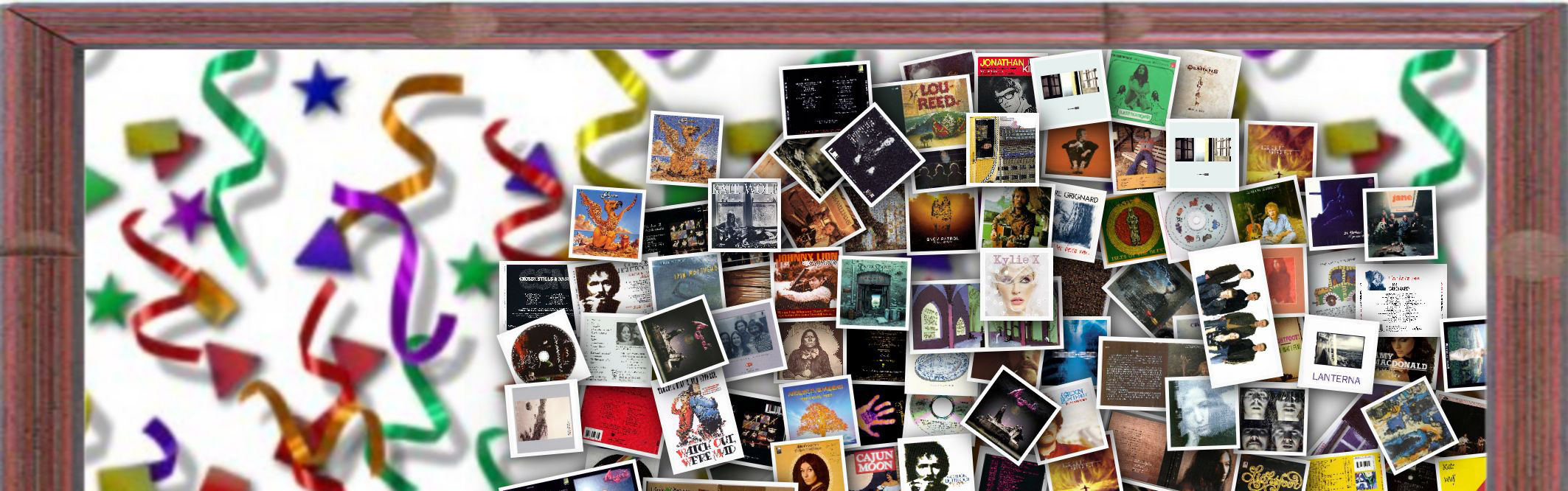
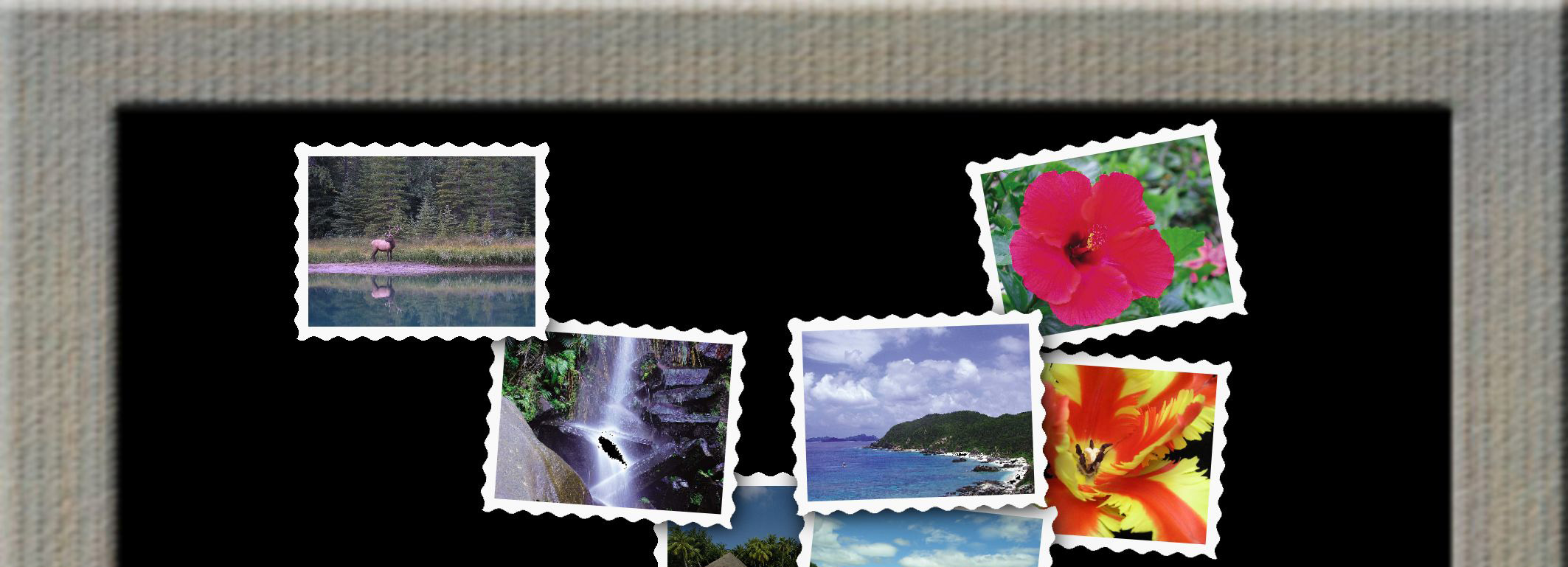
We have made some example pictures. Hover with the cursor over the picture to see a larger version.
For more information please read the help file that comes with the installation.
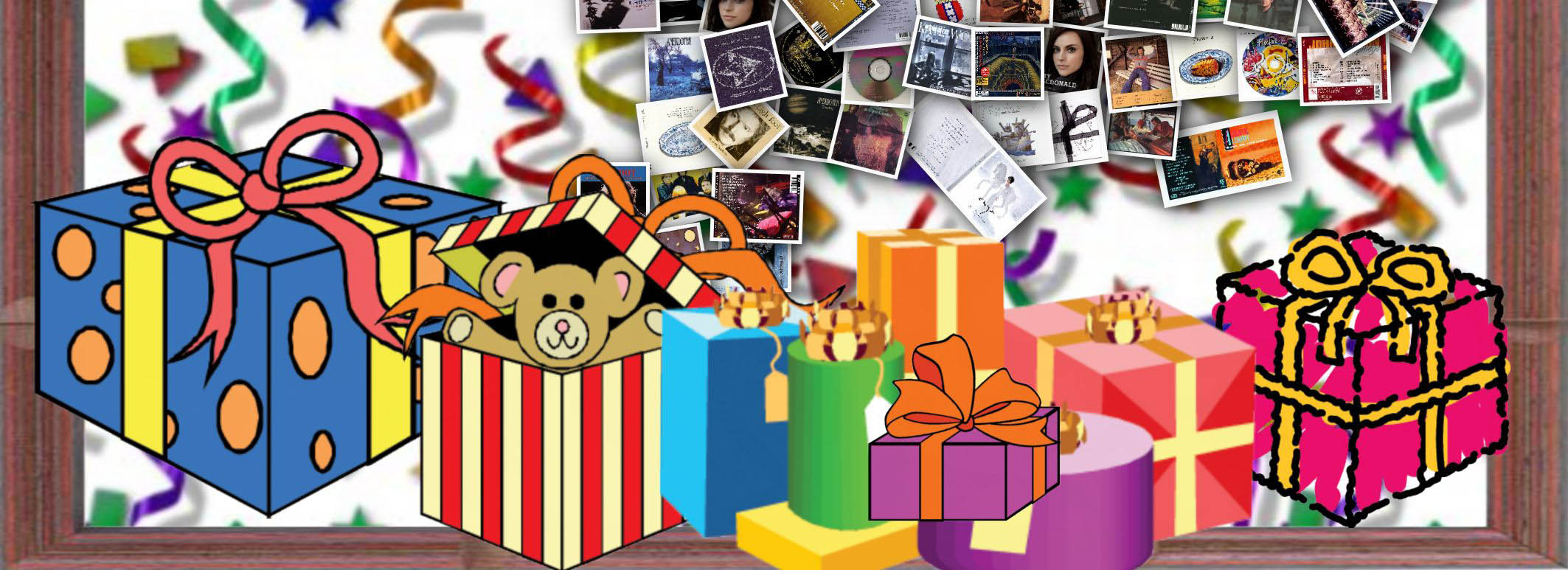
 Music for millions
 Holiday is not yet over
 Retro pictures against black
|
Collaizer is a freeware application
Like PictureFrame Wizard we have developed this application for ourselves in the first place. Our holiday photos were just too nice to be 'locked up' in a book,
or we had to wait a very long time for that popular nice photo on our picture frame. So we looked on the internet, and found a lot of applications for making photo collages,
but just not what we wanted. Usually the result quality is average to good, but the user interface appeared to be tedious or simply not intuitive. So, we decided to add another great application to our growing series of high quality and much awarded range of applications.
with Collaizer you can:
- create photo collages
- create collages from a series of photos in a predefined shape
- draw your own shape, but also select one from the hundreds of predefined shapes
- save each collage as a project for resuming the collage later
- print the collage
- add your own artwork, frames, backgrounds
- create graphic effects for a personal touch, like 'sepia' or 'hamilton'
- convenient pictures management, saved as picture libraries to quickly load an existing set of photos
In case you're still sceptical, perhaps this will convince you to simply download, install and make your first great photo collage:
- Collaizer is extremely fast: it uses multiple processor cores in parallel, so hundreds of pictures are analyzed and placed in the collage in just seconds!
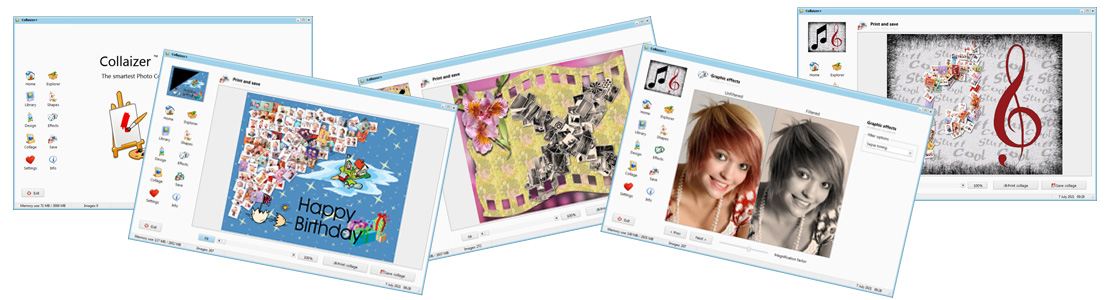
- we have carefully created an attractive and intuitive user interface: you can start out of the box
- Collaizer has many options: set your own default settings to make the application personal, and if a control is not required, we simply make it invisible
- we use native windows controls: a windows explorer is added to quickly and intuitively select pictures from your hard disk, and add or remove these to and from the collage
Download your trial copy of the software
The software is free to use, is fully functional and has no additional costs. Freeware. The current version is released as a beta version. This means that bugs may still be experienced, and some functions are available but not to the full extent.
We greatly appreciate your feedback on this version, and we're ready to receive your suggestions for improvement! It is recommended to read the help-file about the functions and how to use them.
|
|