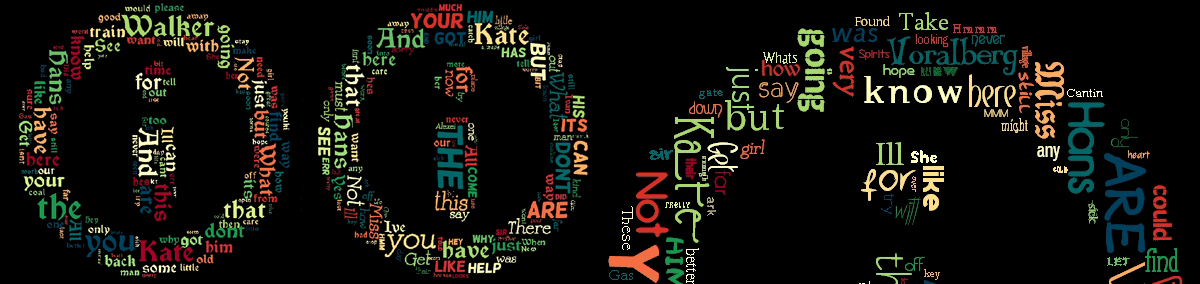
Wordaizer: from text to word cloud with a twist
World clouds have become very popular. Thanks to the Wordle javascript (www.wordle.net) anyone can make a beautiful picture with words.
There are however some drawbacks, such as the Wordle picture can not be saved (directly) and because of copyright modifications or alterations of the Wordle application is out of the question.
Word clouds are playful and it is very attractive way to show text. Here we offer yet another application to the list of our creativity tools: Wordaizer.
This new application offer the possibility to tune, shape, create, print and save any word cloud that you can think of.
Do you want to control the shape of the word cloud?
Wordaizer is a brand new application from APP Helmond to create word clouds like Wordle does, but allows total freedom to tune almost every relevant aspect of the desired word cloud.
The application is capable of making word clouds, but adds a very strong new features: masks to make your own word cloud shape. The shape of the mask becomes the blueprint of the shape of your word cloud.
Do you want to save, print or make very large word clouds?
The result from Wordaizer is a (bitmap) picture: it can be saved on harddisk, and printed. The paper size is (of course) adjustable, allowing the user to save up to A1 format (150 dpi print).
You can print from within the application, or store the result on harddisk, do some post processing (if needed), print it or resize and send it to a friend by email. You have full control over the end result.
Do you want to create the biggest word cloud ever?
With version 2.0 you can now save the word cloud (we like to call it 'wordlet') in vector format: as a windows enhanced metafile ('emf' file format). That is a truly unique feature, never seen in any other 'wordle' application before.
The 'emf' file wordlet can be enlarged endlessly because the Wordaizer result is not a bitmap (pixels) but a so-called vector description of the text which you can print as large as you want.
Do you want to keep that favourite setting that produced a wonderful word cloud?
With Wordaizer you can save the full settings into a so-called project file. This is a small file that stores all the relevant settings that you used in your favourite word cloud. Simply load that file and continue to make another great word cloud.
We have already provided some nice project files with the installation, and you can start right away.
|
Some example pictures
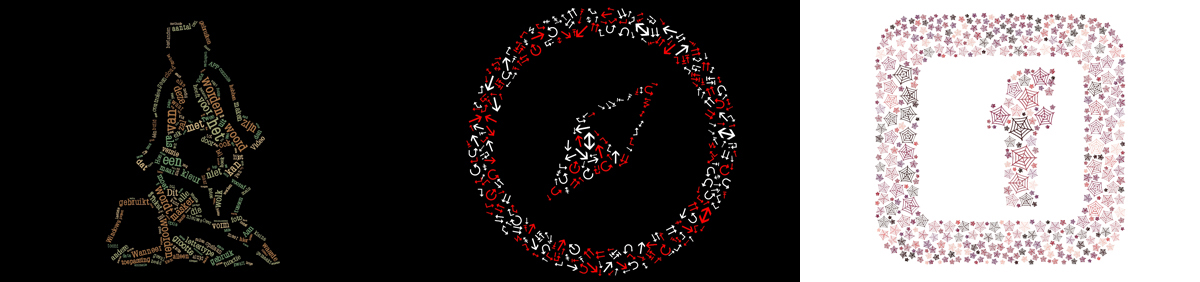
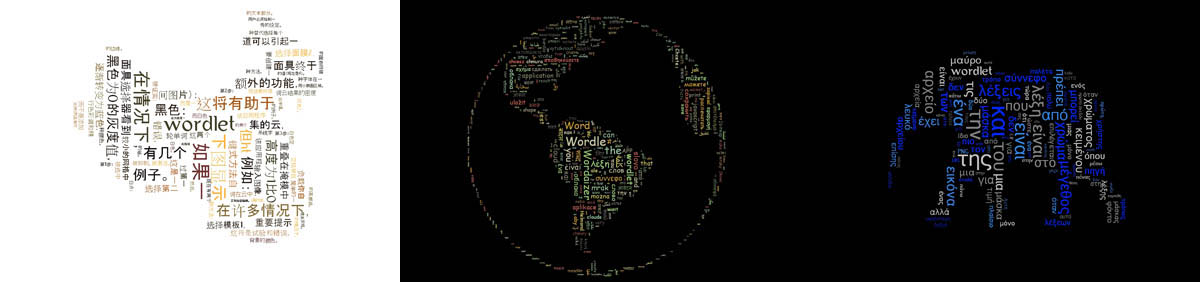
We have made some example pictures. Hover over the picture to see a larger version. Click on the picture to see the full version, or download ('save picture as'). We have selected only a few examples, and the possibilities with Wordaizer are endless.
For more information please read the help file that comes with the installation.
 Dutch has many words
 It's just a simple word
 'Word cloud' taken literally
|
Wordaizer is a freeware application
As with all our products, we provide applications that are free to use. Sometimes we ask you to register (Mosaizer Pro and Lite only) because that helps us to respond to problems of registerd users and improve the software.
We are grateful if you want to share your suggestions for improvement or if you experience a problem: please let us know.
with Wordaizer you can:
- Create word clouds
- Apply masks to create precise word cloud shapes
- Be surprised: a random word cloud generator
- Save and print the resulting picture
- Save and load projects to repeat a word cloud
|
Download your copy of the software
Wordaizer 1.0 has been introduced on March 27, 2010. The software is free to use, is fully functional and has no additional cost for using it. It's freeware. It is recommended to read the help-file on the functions and how to use them.
Teachers: please install the application in 'educational mode'. For convenience the help file is also available as a stand-alone file for support in the classroom. Only available in english.
|
... and some more examples.
 Example 1
 Example 2
 Example 3
 Example 4
 Example 5
 Example 6
 Example 7
 Example 8
 Example 9
 Example 10
 Example 11
 Example 12
 Example 13
 Example 14
 Example 15
 Example 16
 Example 17
 Example 18
 Example 19
 Example 20
 Example 21
 Example 22
 Example 23
 Example 24
 Example 25
 Example 26
 Example 27
 Example 28
 Example 29
 Example 30
 Example 31
 Example 32
 Example 33
 Example 34
 Example 35
 Example 36
 Example 37
 Example 38
 Example 39
 Example 40
 Example 41
 Example 42
 Example 43
 Example 44
 Example 45
 Example 46
 Example 47
 Example 48
 Example 49
 Example 50
 Example 51
 Example 52
 Example 53
 Example 54
 Example 55
 Example 56
 Example 57
 Example 58
 Example 59
 Example 60
 Example 61
 Example 62
 Example 63
 Example 64
 Example 65
 Example 66
 Example 67
 Example 68
 Example 69
 Example 70
 Example 71
 Example 72
 Example 73
 Example 74
 Example 75
 Example 76
 Example 77
 Example 78
 Example 79
 Example 80
 Example 81
 Example 82
 Example 83
 Example 84
|
|